MANUFACTURING / WORK INTELLIGENCE
Image libraryPracticeEON AI Ventures ↗

Manufacturing / 15 example applications

Explore the task.
See how learning helps.

Fifteen Manufacturing situations, shown with the people, equipment and context behind the task. Compare what the learner must do and where the technology could help.

Illustrative applications showing how rehearsal and work guidance could help. Each lesson and task must use approved sources. The available 3D models are concept references; these scenes do not represent completed Genesis lessons or customer installations.

Setup & changeover

Prepare a robot tooling change

An automation engineer and technician compare a stationary gripper, supported workpiece and receiving fixture before a tooling change.
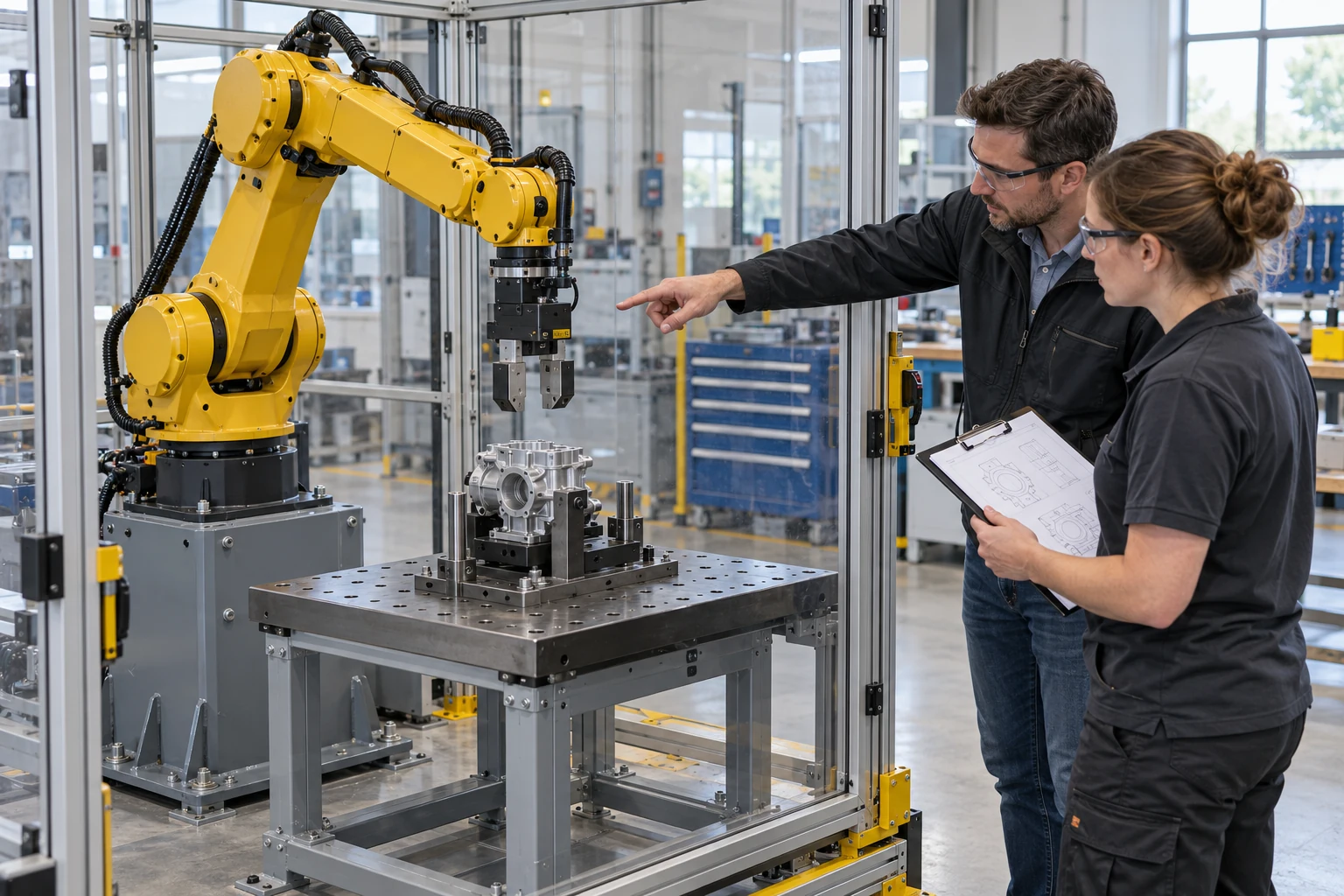
An automation engineer and technician compare a stationary gripper, supported workpiece and receiving fixture before a tooling change.
Illustrative use-case scene · representative people, equipment and environment. Open the full image ↗

The learner’s task

Identify the intended tooling configuration, compare the setup drawing with the visible interfaces and flag a mismatch before a practical trial.

Why use the technology?

A source-qualified named model could make tool, workpiece and fixture relationships inspectable from several sides. Genesis could rehearse the configuration choice and a stop-and-review decision before hardware qualification.

Evidence to review

A configuration/source match, the interface views inspected and the unresolved integrator tests. The scene proves no robot path, grasp or deployment readiness.

Genesis rehearsal · Field-IQ guidance

Compare the gripper, workpiece and fixture before a practical trial. Rehearse the configuration choice with Genesis; use Field-IQ for reviewed checks at the equipment.
Setup & changeover

Make the next changeover clearer

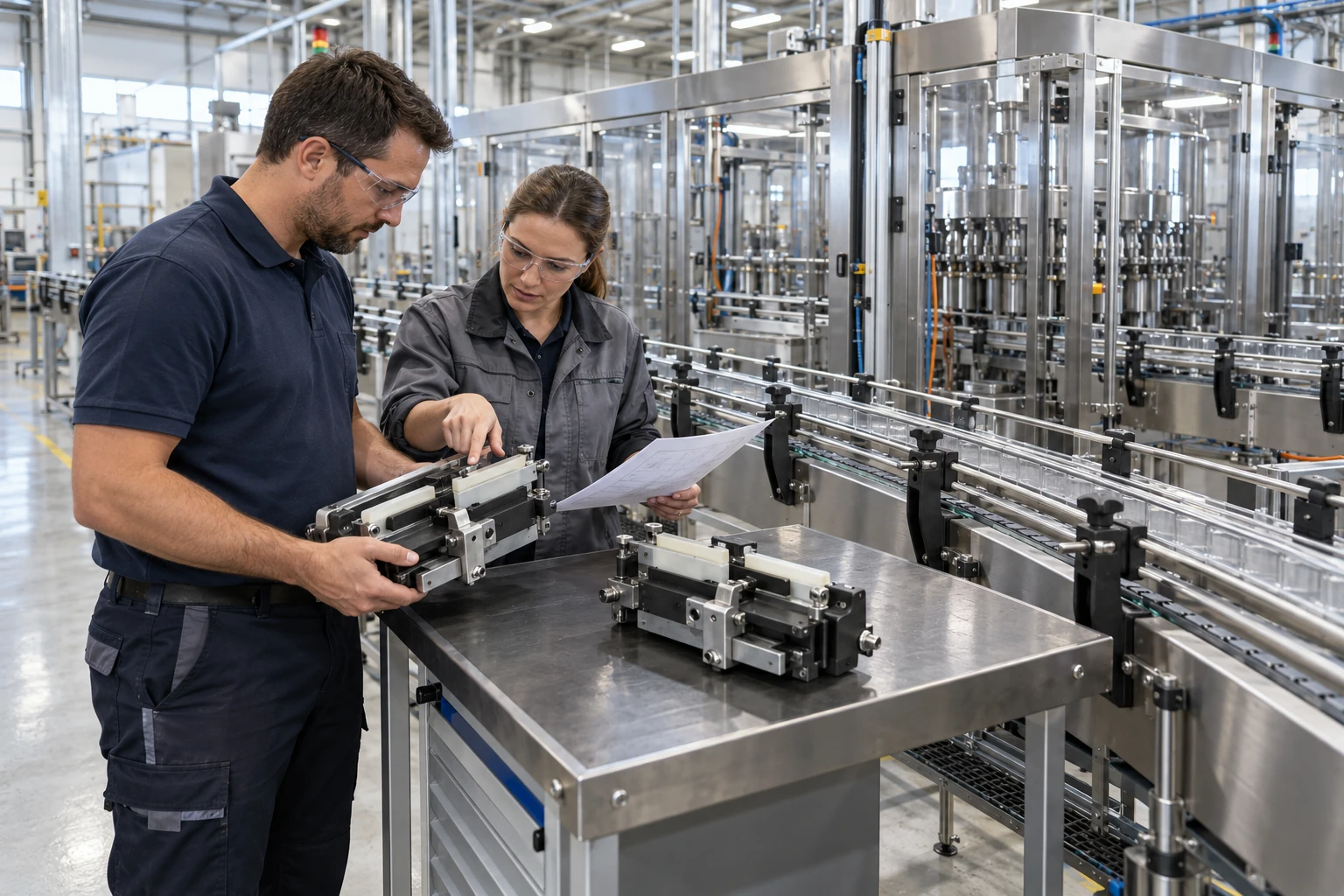
Two colleagues compare separate change-part assemblies and a setup sheet beside a stopped, guarded packaging line.

Two colleagues compare separate change-part assemblies and a setup sheet beside a stopped, guarded packaging line.
Illustrative use-case scene · representative people, equipment and environment. Open the full image ↗

The learner’s task

Check the current format and revision, reject an obsolete look-alike part and request first-piece evidence before handover.

Why use the technology?

Part similarity and orientation can justify a named 3D rehearsal. The existing local conveyor practice makes the wrong-part hold and recovery visible; a native Genesis lesson still needs source and runtime acceptance.

Evidence to review

The initial part choice, source check, corrected revision and missing physical evidence. A completed adjustment does not release production.

Genesis rehearsal · Field-IQ guidance

Help the next shift choose the right format part. Rehearse the look-alike decision with Genesis, then support supervised checks with Field-IQ.

Inspection & evidence

Know what the first piece proves

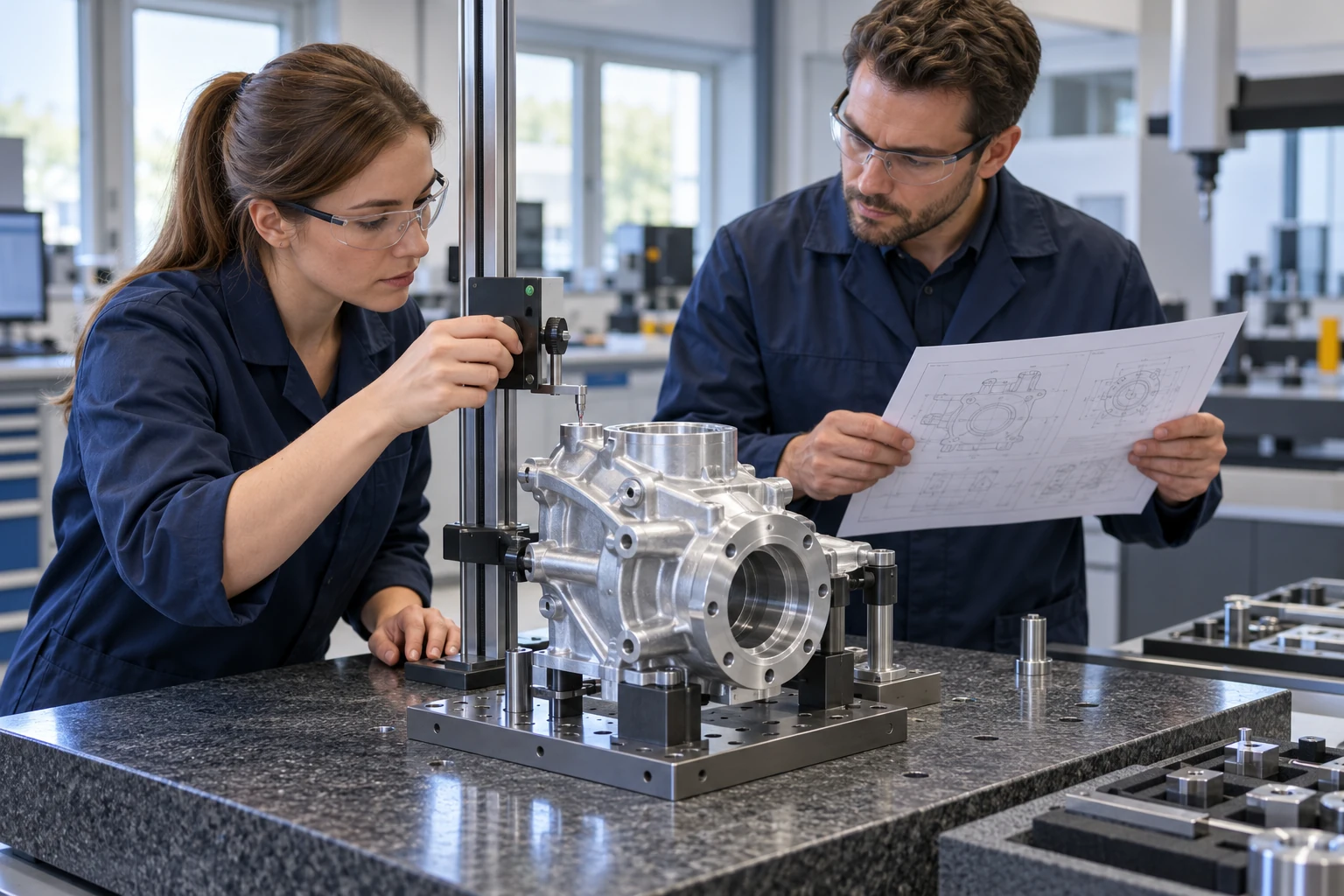
A quality team compares a supported first-piece component, a comparator and the applicable drawing at an inspection bench.

A quality team compares a supported first-piece component, a comparator and the applicable drawing at an inspection bench.
Illustrative use-case scene · representative people, equipment and environment. Open the full image ↗

The learner’s task

Identify the required feature and source revision, separate a visual observation from a calibrated result and hold disposition when the inspection record is missing.

Why use the technology?

A source-bound spatial lesson could connect each feature to the inspection plan. Assess IQ could support review of the evidence against an agreed rubric, while measurements and disposition stay with qualified people.

Evidence to review

Sample identity, feature/source references, the actual measurement record and the reviewer’s disposition. The illustrated instrument supplies no reading or acceptance result.

Genesis rehearsal · Field-IQ guidance

Connect the sample, drawing and inspection record. Practise evidence decisions with Genesis; use Field-IQ to guide the reviewed check during supervised work.

Fault reasoning

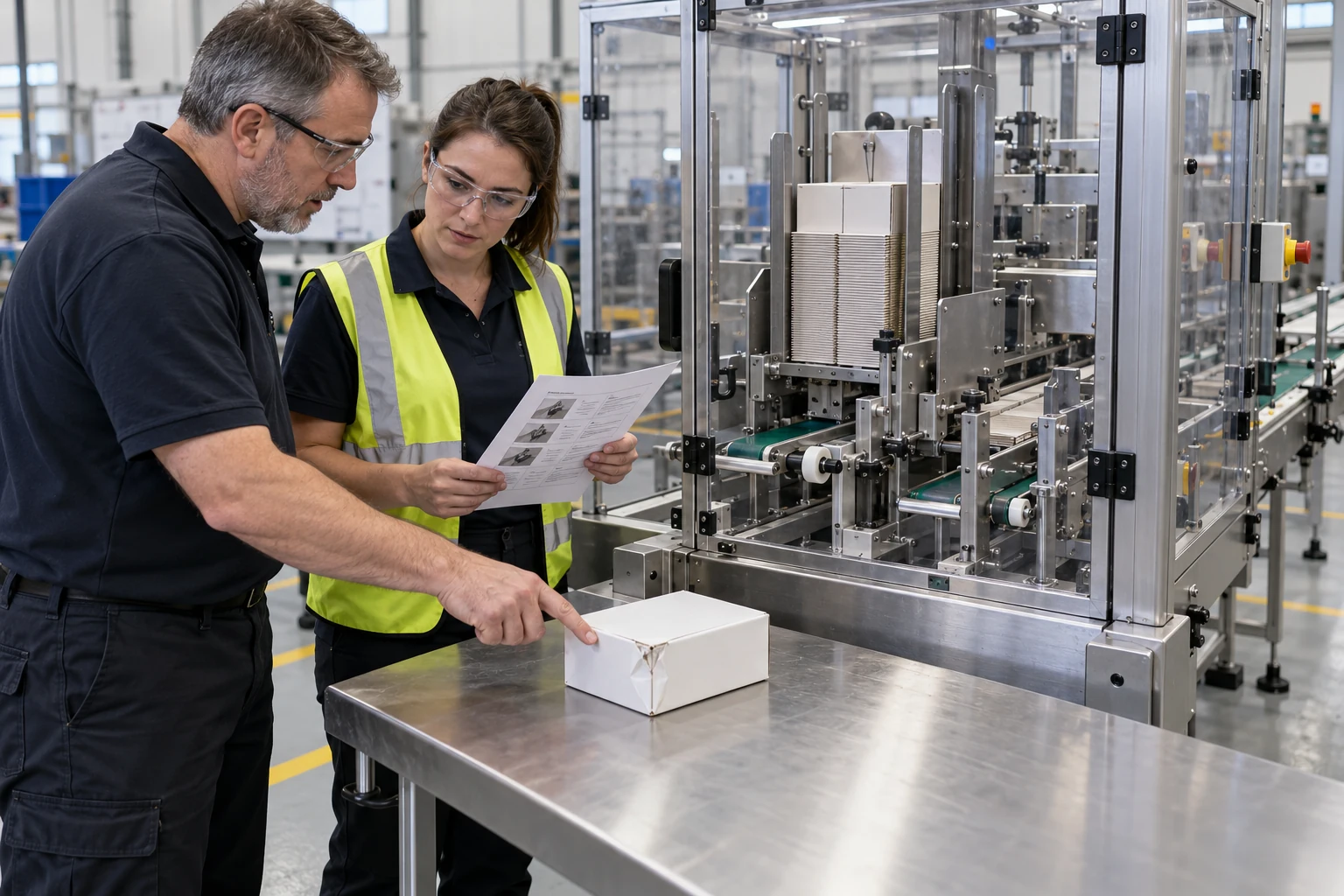
Reason through a packaging fault

An operator and trainer examine a damaged carton sample and a source sheet beside stopped carton-feed machinery.

An operator and trainer examine a damaged carton sample and a source sheet beside stopped carton-feed machinery.
Illustrative use-case scene · representative people, equipment and environment. Open the full image ↗

The learner’s task

Locate the reported fault context, distinguish the symptom from its assumed cause and choose the evidence and reviewed recovery path to request.

Why use the technology?

A task-specific Genesis scenario could let learners compare plausible causes and recover from an unsupported diagnosis. Field IQ could carry a reviewed task and exception record into supervised work after acceptance.

Evidence to review

The sample observation, affected asset/source identity, reason for the hold and the evidence needed for the next decision. No operational recovery sequence is inferred from the image.

Genesis rehearsal · Field-IQ guidance

Separate a visible symptom from an assumed cause. Genesis can rehearse the diagnosis and recovery decision; Field-IQ can help carry the reviewed task into supervised work.

Setup & changeover

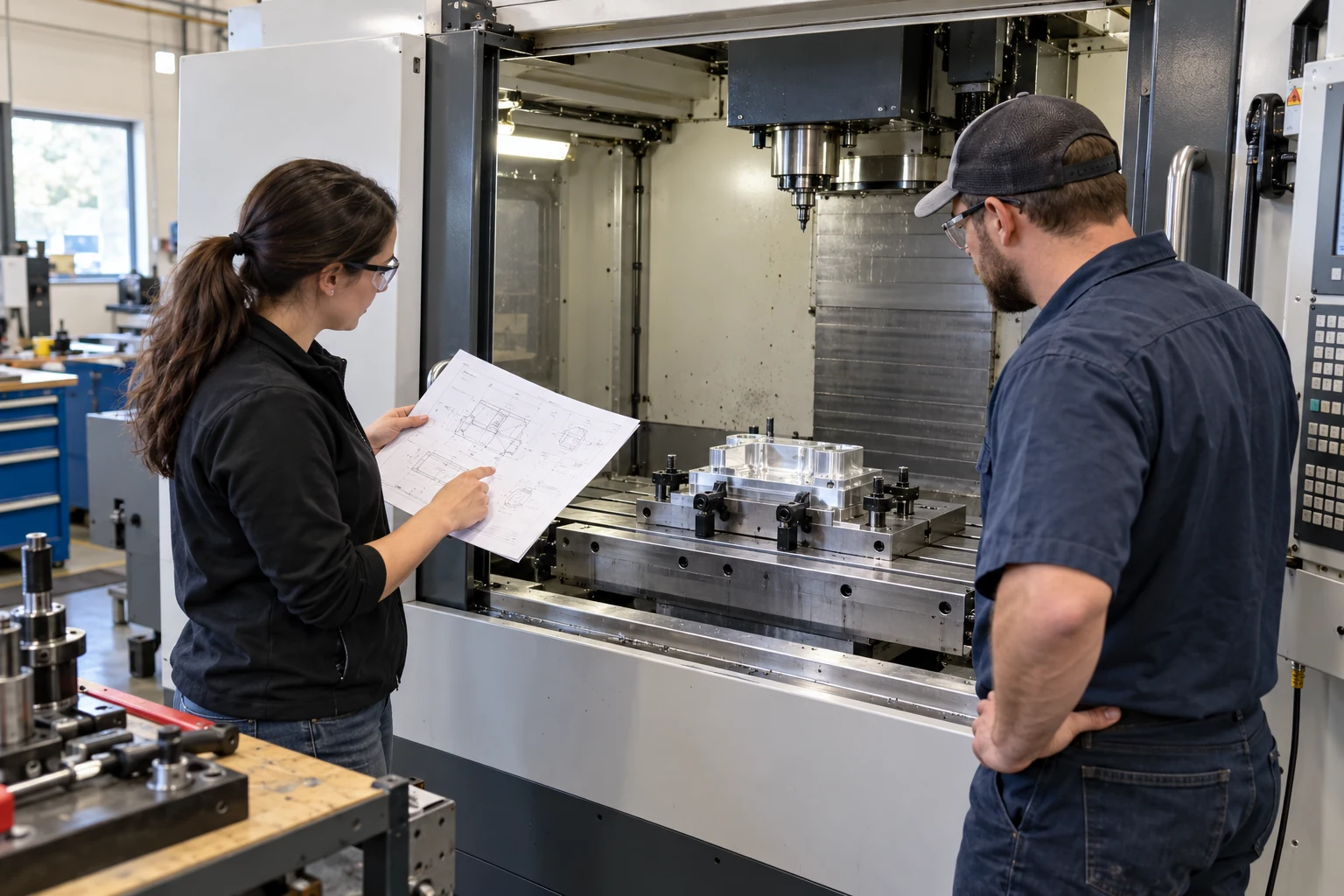
Check the setup before the cut

An engineer and machinist compare a setup drawing with a secured fixture inside an inactive CNC enclosure.

An engineer and machinist compare a setup drawing with a secured fixture inside an inactive CNC enclosure.
Illustrative use-case scene · representative people, equipment and environment. Open the full image ↗

The learner’s task

Match the fixture, workpiece and tool to the reviewed setup record, identify an access or applicability question and request practical verification.

Why use the technology?

A permitted machine/fixture model could expose viewpoint and access questions that a flat setup card leaves ambiguous. A rehearsal could test the source choice without issuing offsets, cutting motion or controller commands.

Evidence to review

The selected setup revision, inspected interfaces, rejected prior setup and instructor-owned checks still open. This scene is not a clearance or machining validation.

Genesis rehearsal · Field-IQ guidance

Compare the fixture, workpiece and setup drawing. Explore access questions in Genesis rehearsal and use Field-IQ to support source checks at the machine.

Setup & changeover

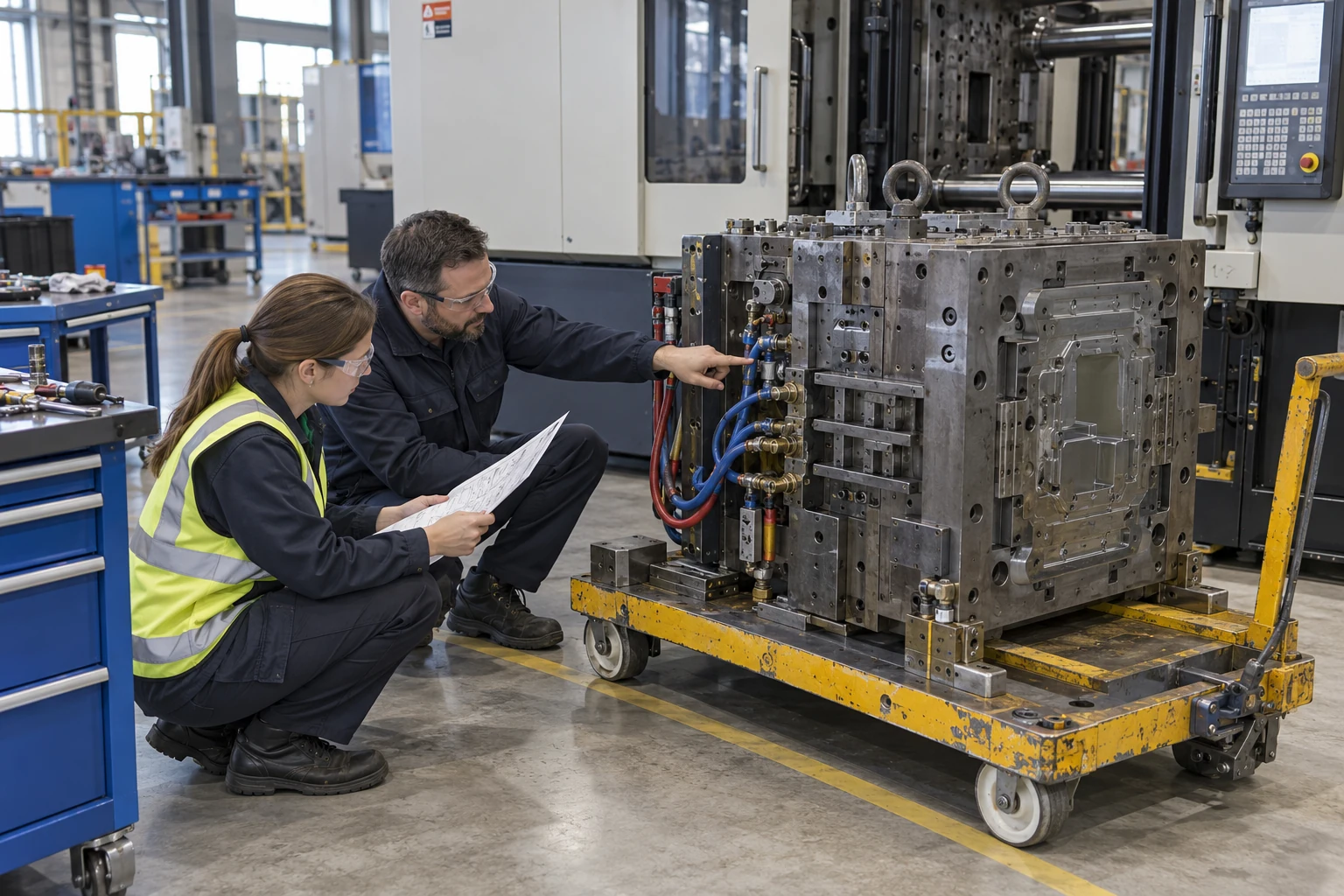
Plan access for a mould change

Two colleagues review cooling-connector access beside a mould supported on a service cart, with the machine in the background.

Two colleagues review cooling-connector access beside a mould supported on a service cart, with the machine in the background.
Illustrative use-case scene · representative people, equipment and environment. Open the full image ↗

The learner’s task

Compare the requested mould and service interfaces with the current source, identify access/support questions and prepare a readiness handoff.

Why use the technology?

A reviewed spatial model could help teams inspect interface locations before planning a change. The learning task would expose mismatches and missing handling evidence rather than simulate an accepted lift.

Evidence to review

Mould/configuration identity, interface views and unresolved support, mass and handling requirements. Cart capacity, fit and serviceability are not validated by the illustration.

Genesis rehearsal · Field-IQ guidance

Make service connections and access questions visible before the task. Rehearse the plan with Genesis; support the approved checks with Field-IQ.

Inspection & evidence

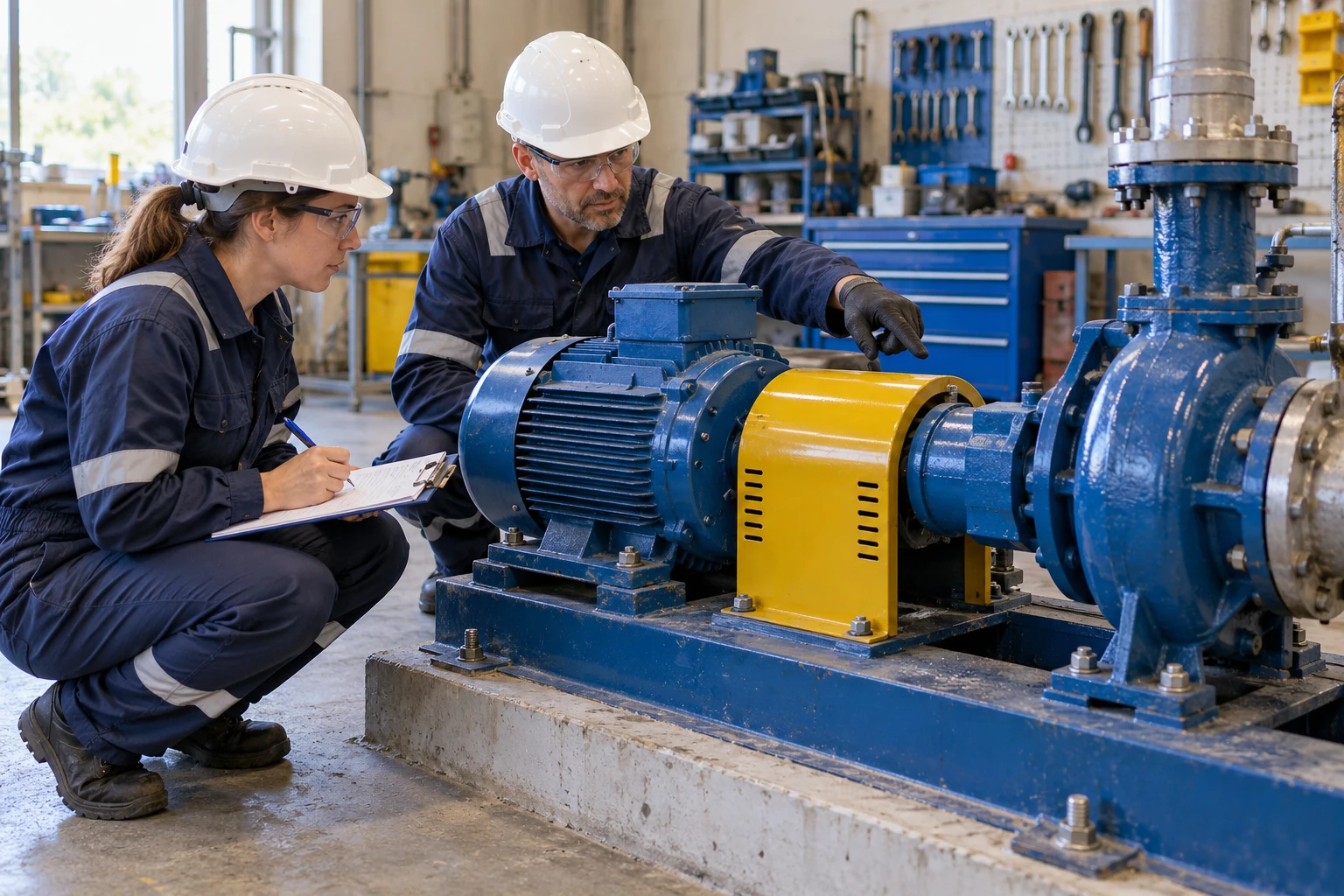
Prepare a coupling maintenance task

Maintenance colleagues inspect the outside of an installed coupling guard and record observations beside a stationary pump and motor.

Maintenance colleagues inspect the outside of an installed coupling guard and record observations beside a stationary pump and motor.
Illustrative use-case scene · representative people, equipment and environment. Open the full image ↗

The learner’s task

Identify the service source and visible motor/coupling/pump relationship, then separate the preparation observations from alignment or isolation evidence.

Why use the technology?

Named component views could keep a maintenance handback attached to the correct equipment. Field IQ could support supervised guidance and evidence capture once the task source, device and workflow are accepted.

Evidence to review

Part-linked observations, requested instrument records and the reviewer’s open checks. The guard’s appearance proves neither isolation nor alignment.

Genesis rehearsal · Field-IQ guidance

Understand the pump, coupling and guard relationships. Practise the maintenance decisions with Genesis and use Field-IQ to guide reviewed observations during supervised work.

Fault reasoning

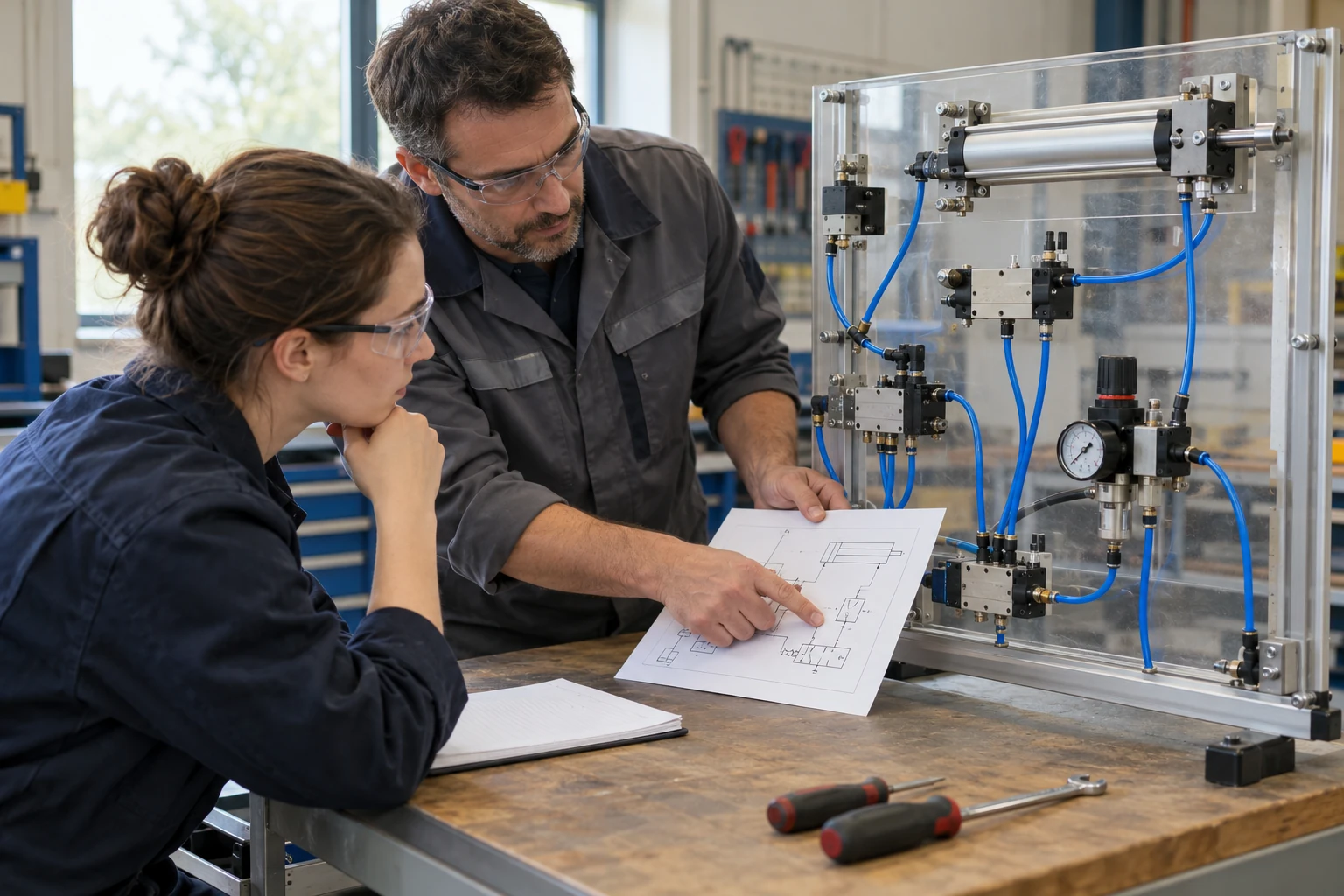
Trace the pneumatic fault

An instructor and trainee compare a circuit source with valves, tubing and a cylinder on a pneumatic teaching panel.

An instructor and trainee compare a circuit source with valves, tubing and a cylinder on a pneumatic teaching panel.
Illustrative use-case scene · representative people, equipment and environment. Open the full image ↗

The learner’s task

Trace the source-defined path, attach a reported symptom to the correct component and identify the next evidence point instead of adjusting a device by guesswork.

Why use the technology?

A source-qualified model could connect schematic references to visible component locations. A Genesis reasoning scenario could test competing explanations while keeping the panel inert and missing data explicit.

Evidence to review

The selected path, source revision, symptom/hypothesis distinction and evidence request. The rendered tubing and gauge are not a verified circuit or pressure reading.

Genesis rehearsal · Field-IQ guidance

Connect the reported symptom to the circuit and its source. Genesis can rehearse fault reasoning; Field-IQ can support the approved evidence checks at the equipment.

Setup & changeover

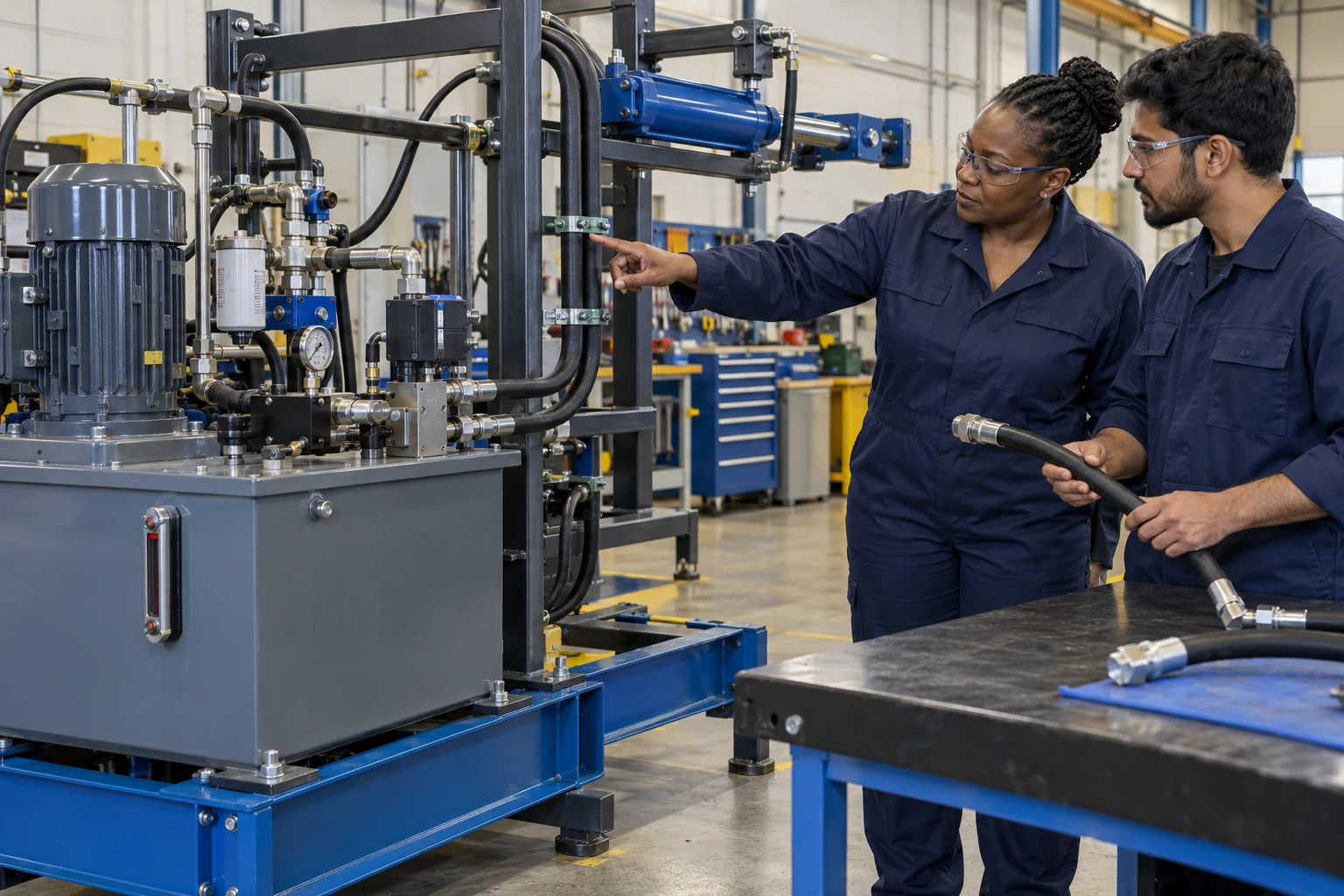
Check the hose and its route

An engineer points to supported hose routing on a stationary hydraulic rig while a colleague compares loose hose variants at a bench.

An engineer points to supported hose routing on a stationary hydraulic rig while a colleague compares loose hose variants at a bench.
Illustrative use-case scene · representative people, equipment and environment. Open the full image ↗

The learner’s task

Match hose and connector identities to the permitted applicability source, explain a routing question and hold an unsupported replacement choice.

Why use the technology?

Multiple source-bound views could make routing and interface differences easier to inspect. A rehearsal could retain the wrong choice and the compatibility evidence needed for recovery, without modelling an inferred pressure state.

Evidence to review

Hose/connector identities, the applicability record and unresolved routing, fit and energy-state checks. No hydraulic replacement procedure or circuit is established here.

Genesis rehearsal · Field-IQ guidance

Compare hose identity, routing and the applicable drawing. Rehearse mismatch decisions with Genesis and support supervised source checks with Field-IQ.

Knowledge & coordination

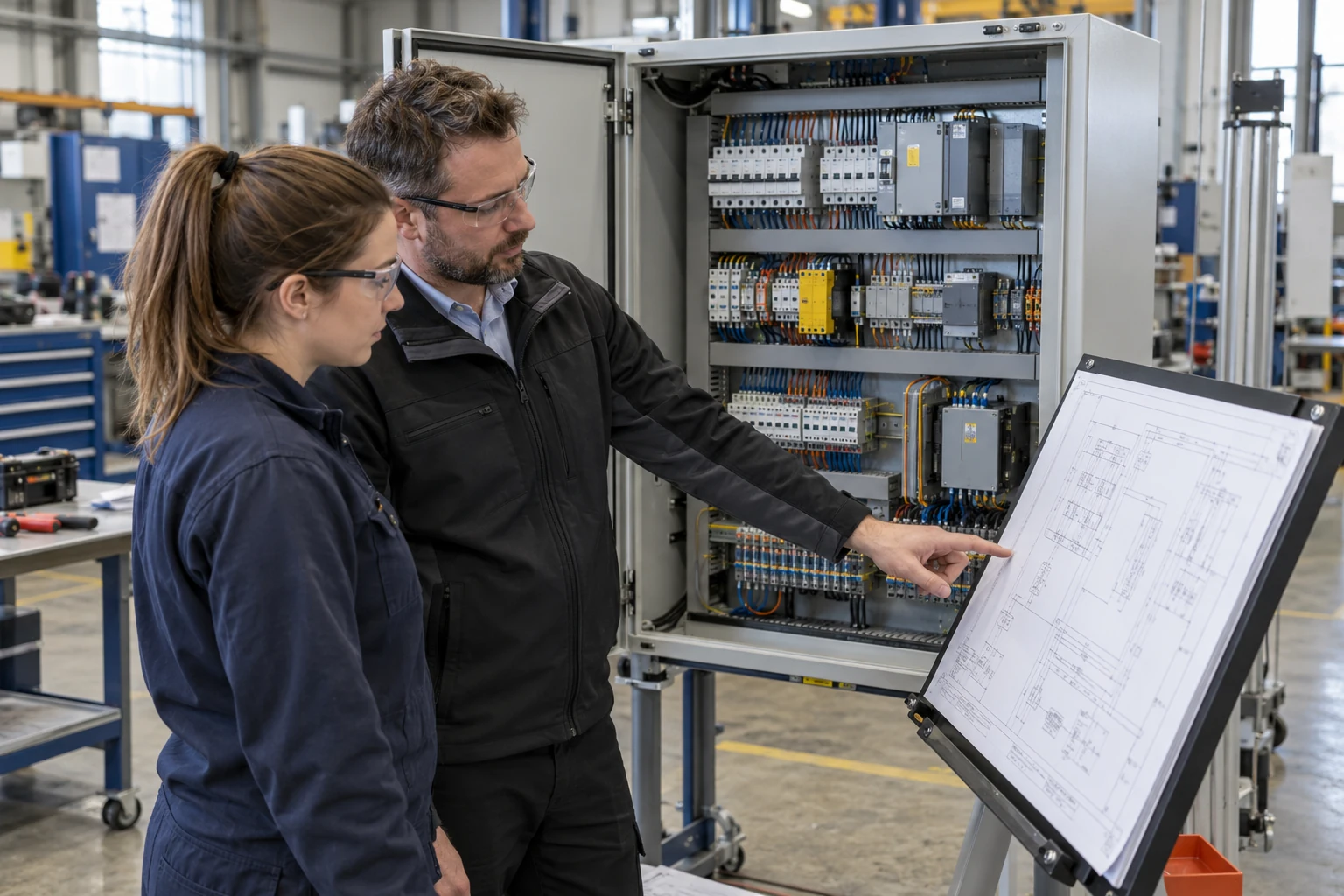
Find the right cabinet revision

Controls colleagues compare a drawing revision with a populated workshop cabinet, keeping their hands on the source document.

Controls colleagues compare a drawing revision with a populated workshop cabinet, keeping their hands on the source document.
Illustrative use-case scene · representative people, equipment and environment. Open the full image ↗

The learner’s task

Associate the drawing with the correct cabinet and device identifiers, locate a revision discrepancy and retain it for engineering disposition.

Why use the technology?

A named model could keep the device view and controlled drawing reference together. Reviewed knowledge capture could preserve why a revision changed before the next lesson or handover is updated.

Evidence to review

The exact cabinet/drawing versions, device comparison and unresolved change record. The illustration proves no circuit, wiring correctness or electrical isolation.

Genesis rehearsal · Field-IQ guidance

Connect component identifiers to the current drawing. Use Genesis to practise finding a mismatch and Field-IQ for assistance during the reviewed task.

Knowledge & coordination

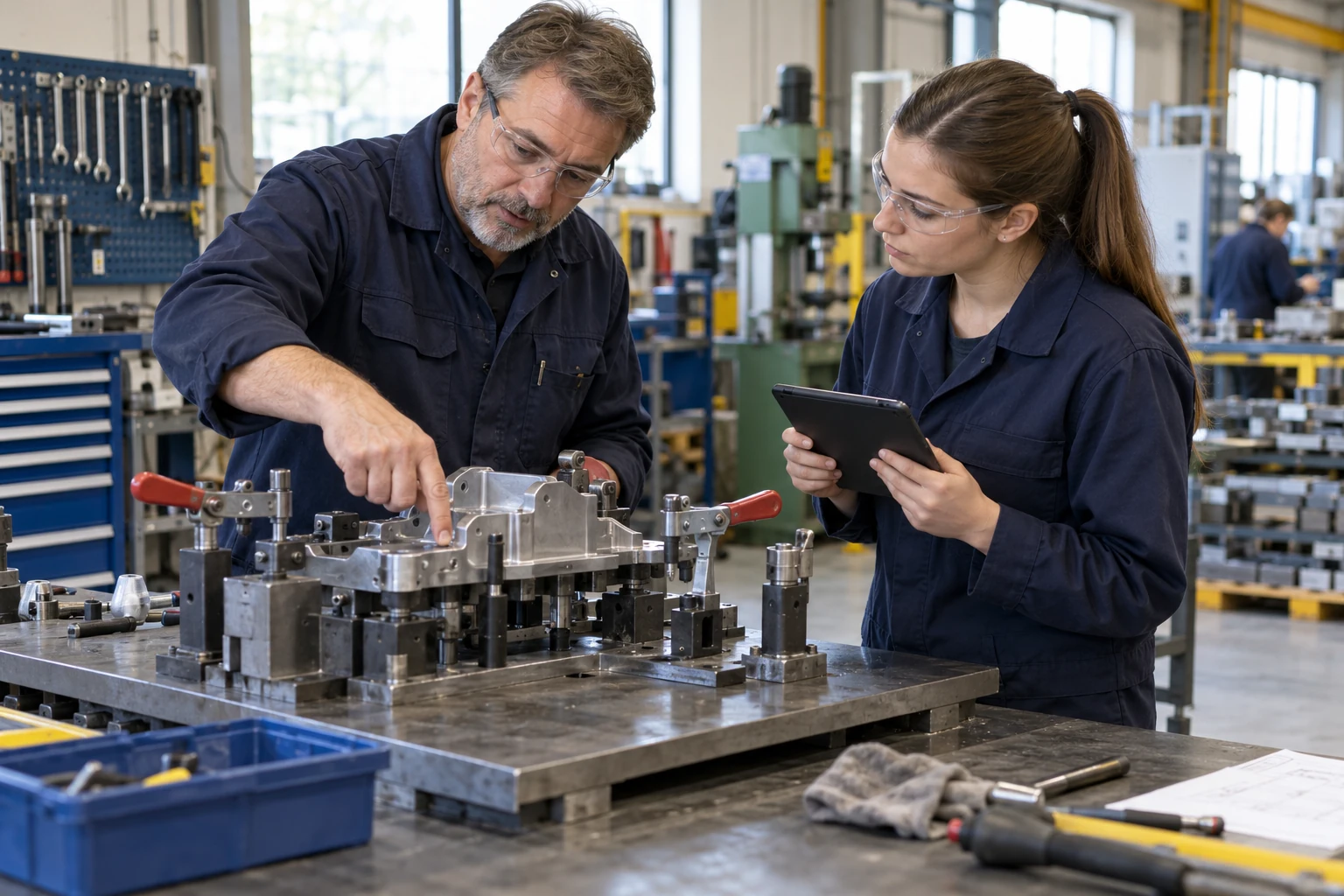
Carry expert setup knowledge forward

An experienced technician explains a supported fixture setup while a colleague captures notes on a tablet.

An experienced technician explains a supported fixture setup while a colleague captures notes on a tablet.
Illustrative use-case scene · representative people, equipment and environment. Open the full image ↗

The learner’s task

Record the expert’s cue, its source and an exception, then separate the proposed lesson change from an approved setup instruction.

Why use the technology?

Tacit-style capture could retain the reasoning behind the instruction. Human review and versioning could make that knowledge useful to the next learner without silently promoting a workaround.

Evidence to review

The named setup context, expert permission, source reference, proposed change and reviewer decision. The scene does not show an actual recorded EON session.

Genesis rehearsal · Field-IQ guidance

Capture the reasoning behind a setup choice. Turn reviewed knowledge into Genesis practice and Field-IQ guidance for the next shift.

Knowledge & coordination

See where people and vehicles meet

Warehouse colleagues review a staged aisle layout with a parked forklift, route markings, racks and a barrier.

Warehouse colleagues review a staged aisle layout with a parked forklift, route markings, racks and a barrier.
Illustrative use-case scene · representative people, equipment and environment. Open the full image ↗

The learner’s task

Compare pedestrian and vehicle routes with the reviewed site plan, identify a conflict or missing assumption and hand it to the responsible site owner.

Why use the technology?

A site-specific spatial scenario could help a group inspect sightlines and route interactions from several viewpoints. Situation Room could support the discussion after the actual layout and review criteria are supplied.

Evidence to review

The location/viewpoint, route conflict, source plan and site-owner disposition. The pictured barrier and clearances are not an accepted traffic plan.

Genesis rehearsal · Field-IQ guidance

Explore sightlines and crossing decisions in context. Genesis can rehearse the scenario; Field-IQ can support reviewed observations during a supervised site walkthrough.

Setup & changeover

Review the fixture before loading

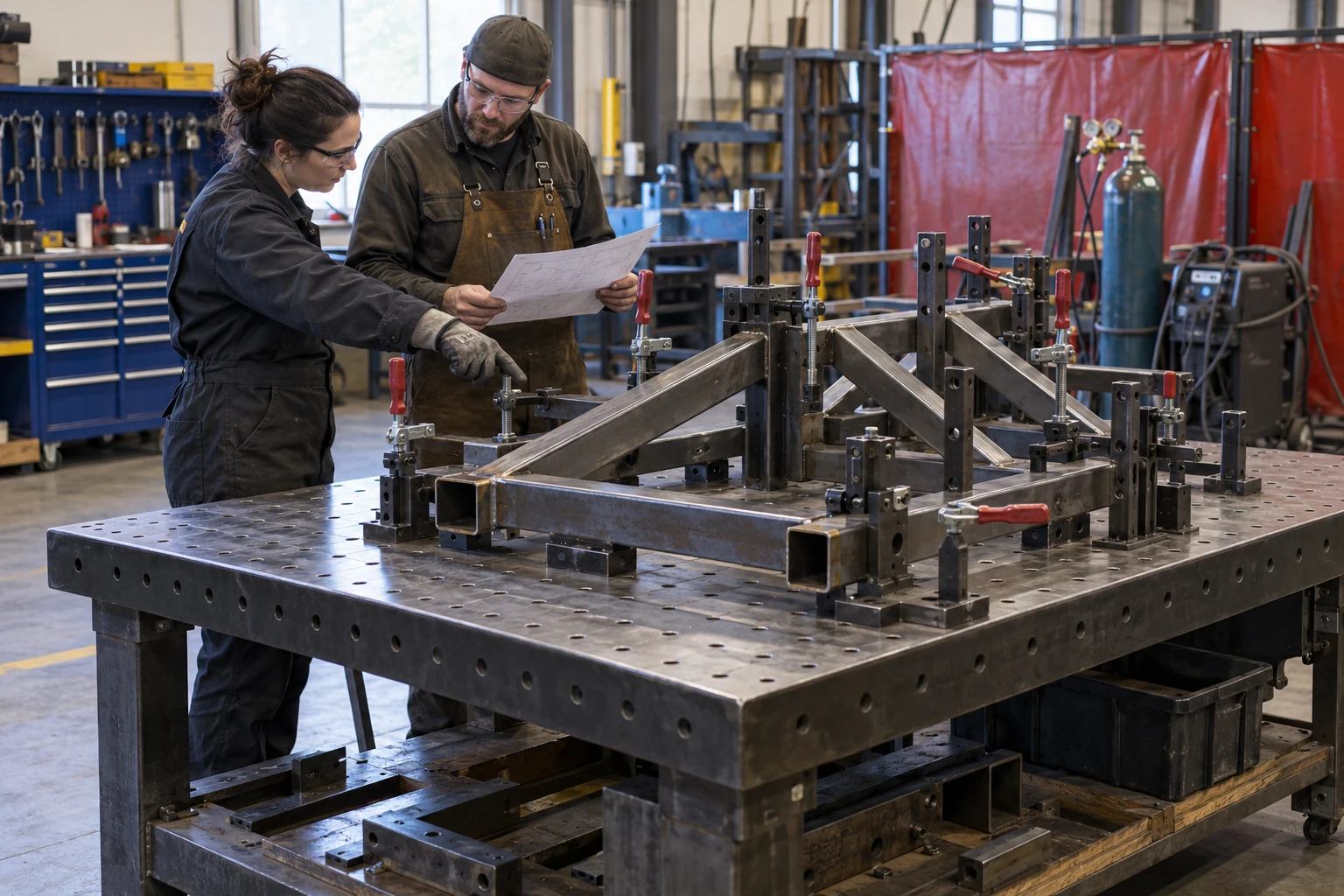
A fixture engineer and welder compare a supported fabricated assembly, its locators and a drawing before any active welding.

A fixture engineer and welder compare a supported fabricated assembly, its locators and a drawing before any active welding.
Illustrative use-case scene · representative people, equipment and environment. Open the full image ↗

The learner’s task

Check the intended part orientation and joint source, identify locator/clamp access questions and request the reviewed setup decision.

Why use the technology?

A permitted fixture model could make an apparently symmetric part’s orientation and contact regions inspectable. A rehearsal could test the wrong orientation and a source-led recovery before practical work.

Evidence to review

Part/joint revision, inspected locator/contact views and the qualified reviewer’s open checks. No clamping sequence, force or weld acceptance is supplied by the image.

Genesis rehearsal · Field-IQ guidance

Understand the loading sequence, supports and access. Rehearse the choices with Genesis and use Field-IQ to support checks against the approved task.

Inspection & evidence

Turn an air survey into a clear handover

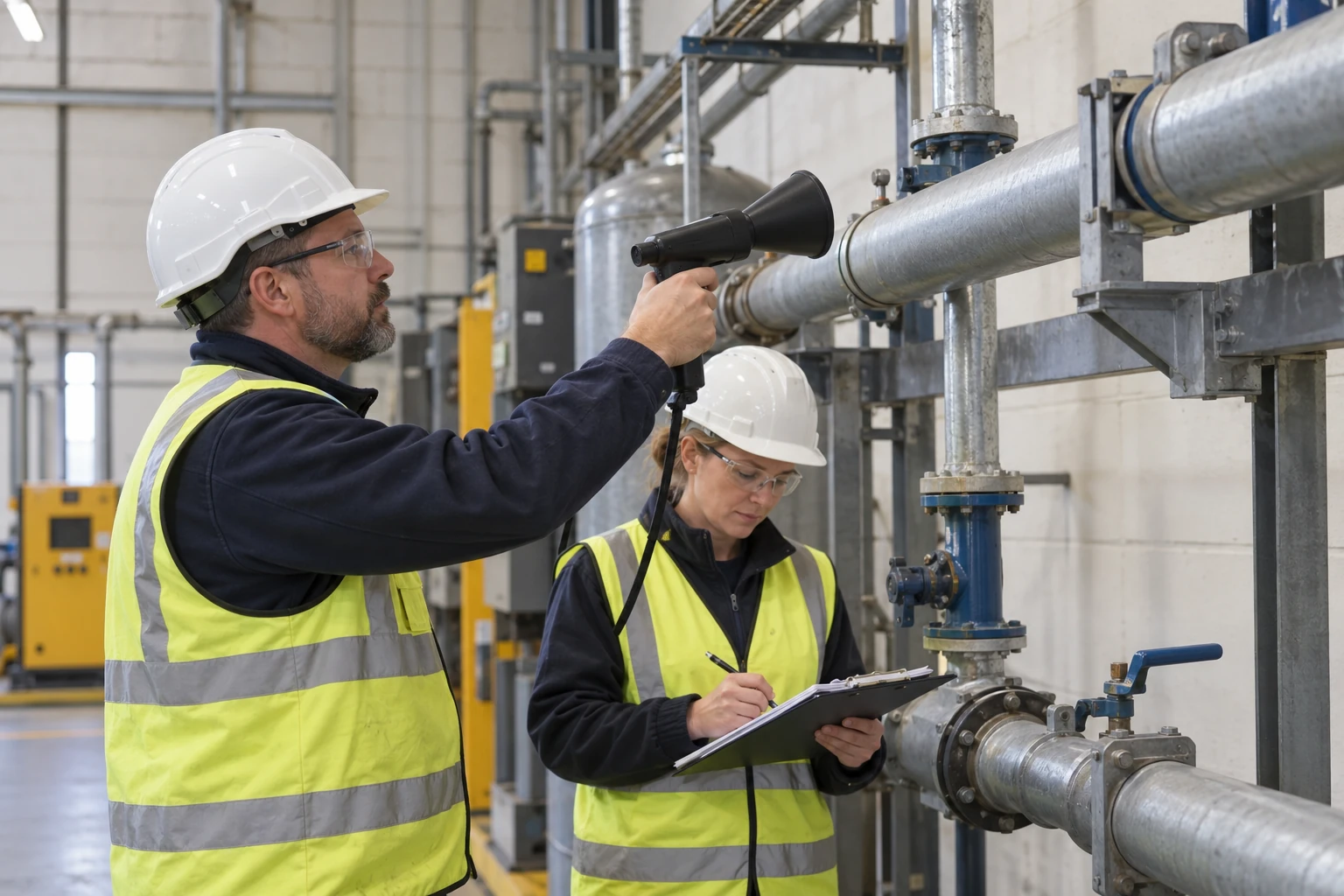
A technician uses a handheld acoustic instrument at a compressed-air pipe joint while a colleague records the observation.

A technician uses a handheld acoustic instrument at a compressed-air pipe joint while a colleague records the observation.
Illustrative use-case scene · representative people, equipment and environment. Open the full image ↗

The learner’s task

Bind a supplied survey observation to the correct location and component, then prepare a repair work item with a separate post-repair evidence request.

Why use the technology?

Spatial context could help the receiving team reopen the correct inspection location. A reviewed work-loop record could keep survey evidence, repair planning and unverified closeout distinct.

Evidence to review

The actual survey record, component location, planned work and required closeout measurement. No leak, pressure state or energy saving is measured by this illustration.

Genesis rehearsal · Field-IQ guidance

Connect the observed asset, location and evidence to a repair request. Practise the evidence decision with Genesis; support the supervised survey with Field-IQ.

Knowledge & coordination

Practise the assembly exception

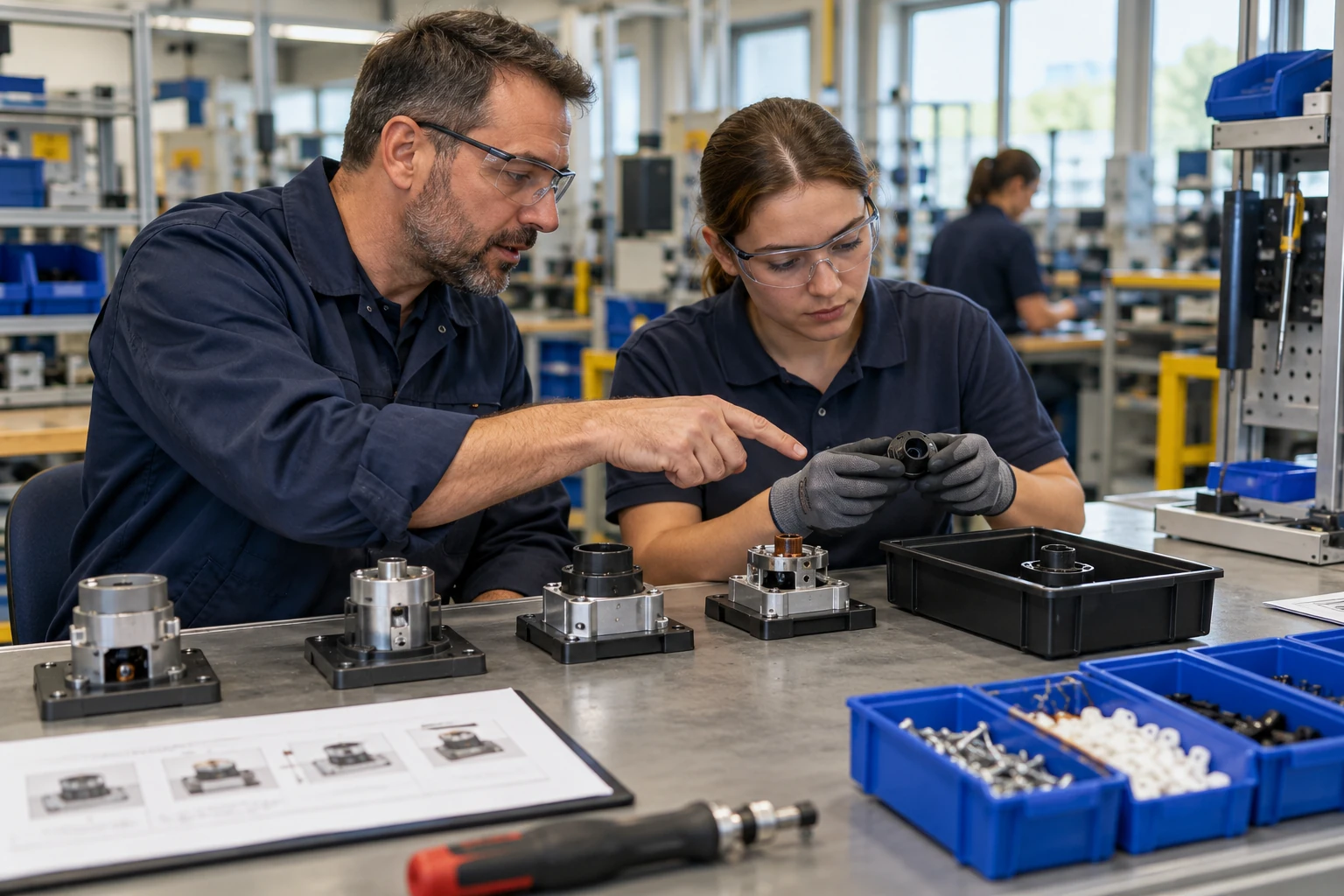
An assembly mentor uses staged small assemblies, a held component and a picture sequence to explain an exception at a supported bench.

An assembly mentor uses staged small assemblies, a held component and a picture sequence to explain an exception at a supported bench.
Illustrative use-case scene · representative people, equipment and environment. Open the full image ↗

The learner’s task

Choose the applicable part and sequence reference, identify the exception and explain when to stop for source review.

Why use the technology?

A source-led rehearsal could let a learner inspect part relationships and make a sequence decision. A reviewable attempt could preserve the initial error, recovery and evidence rather than merely replay instructions.

Evidence to review

Part/source identity, the proposed sequence, the exception and reviewer feedback. Compatibility, defect diagnosis and a native digital lesson remain unverified.

Genesis rehearsal · Field-IQ guidance

Make the sequence and stop decision easier to understand. Genesis can rehearse a missing or mismatched part; Field-IQ can guide the reviewed sequence during supervised work.

Choose the problem worth proving

Bring the task owner and the source.

Bring the equipment references, current procedure or drawing and the people who know the task. Together, define the learning goal and the evidence that will show whether the application helps.